Know what you own.Remember what you played.
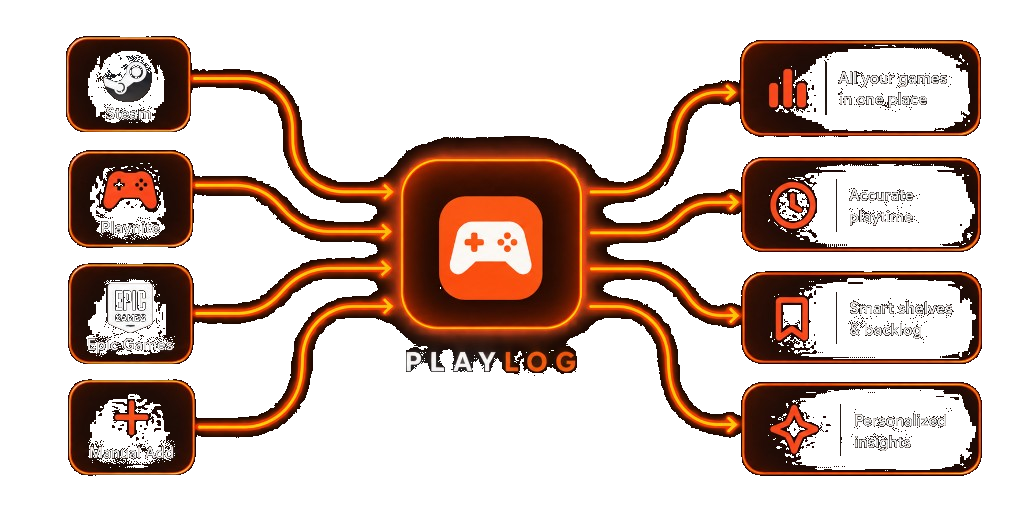
A beautiful, clutter-free home for your games. Sync from Steam, Playnite, and Epic Games, add anything else by hand, and keep your backlog somewhere worth opening.
2,000+
people keeping score
1M+
games already tracked
4
ways to build your library
Letterboxd for films.
Trakt for TV.
PlayLog for the games you actually play.
All your games. All your progress. One place.


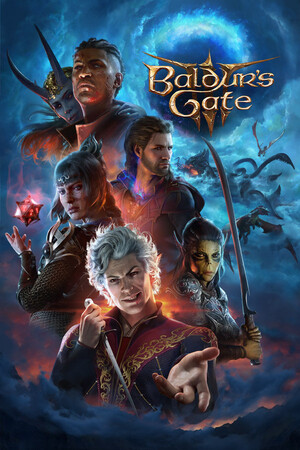

Built for people who finish games. And people who do not.
Shelves, sessions, stats, and notes in one place that feels worth opening.
Plus unlocks deeper history and sync.
One library
Steam, Playnite, Epic Games, and manual adds. Every source lands in the same collection.
Playtime that sticks
Sessions, hours, and streaks without exporting to a spreadsheet.
Shelves with a point
Backlog, co-op night, the shelf you might actually finish.
Stats worth opening
Genres, habits, and where your hours really went.
A calendar of play
See when you played and how sessions stack across the month.
Notes that stay put
Statuses, scores, and why you paused, tied to each title.
The view when it clicks
PlayLog dedupes, organizes, and enriches your games automatically, so you get a clear, beautiful view of your gaming life.
Pull from where you already play
Connect Steam, Playnite, or Epic Games, or add titles by hand. PlayLog dedupes and keeps one record per game.
Hours you can trust
Playtime rolls up from your sources and the sessions you log. No guesswork at the end of the month.
A backlog with a pulse
Statuses, shelves, and notes turn a guilt pile into a short list of what to pick up next.